How to Share Access to Google Ads in a Few Simple Steps
Learn how to safely share access to your Google Ads account in just a few simple steps. In this quick guide, you’ll see exactly how to add users, choose the right permission level, and keep your account secure while working with a team or agency.
In this guide, you’ll learn how to share access to your Google Ads account in just a few easy steps.
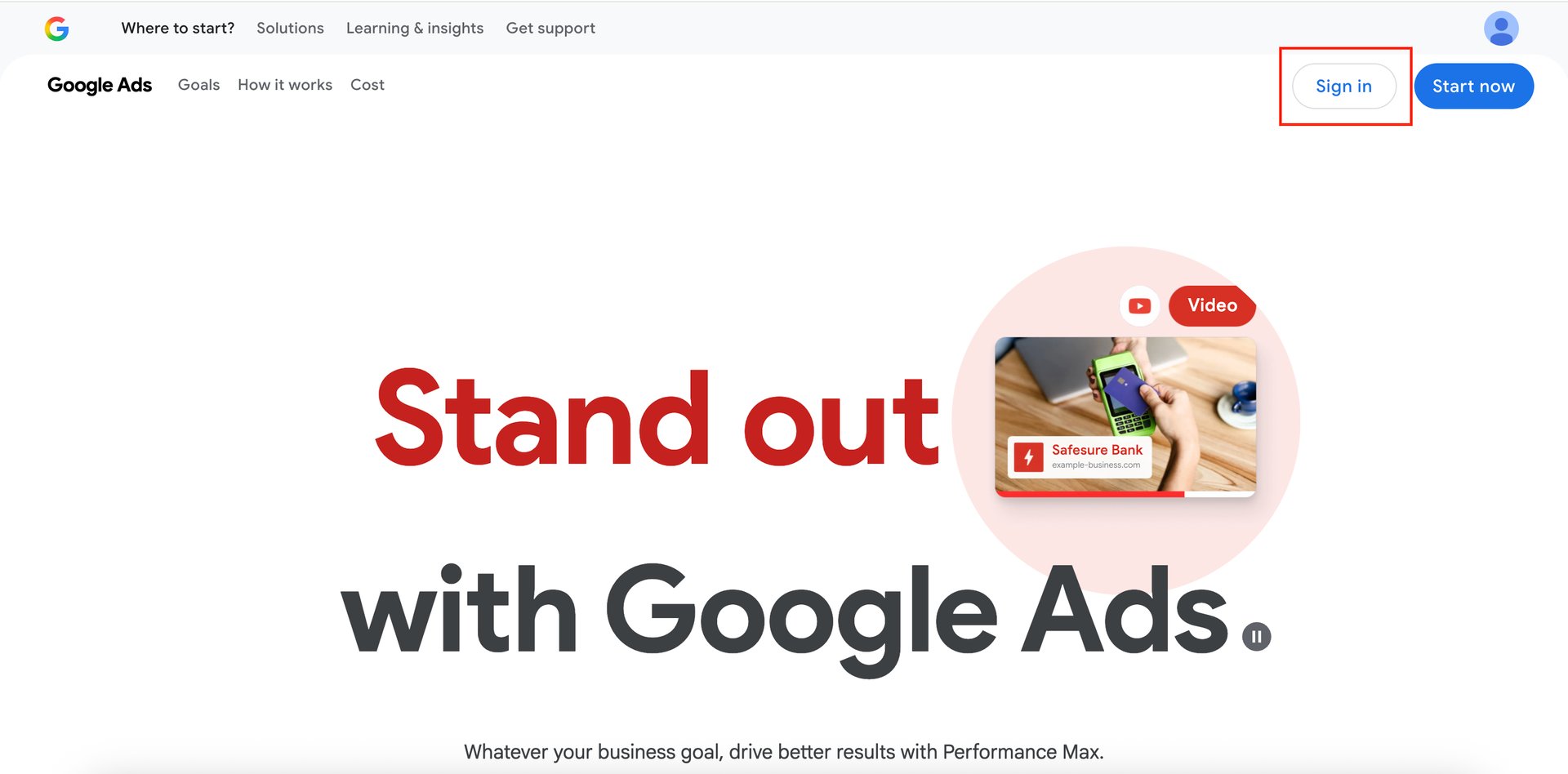
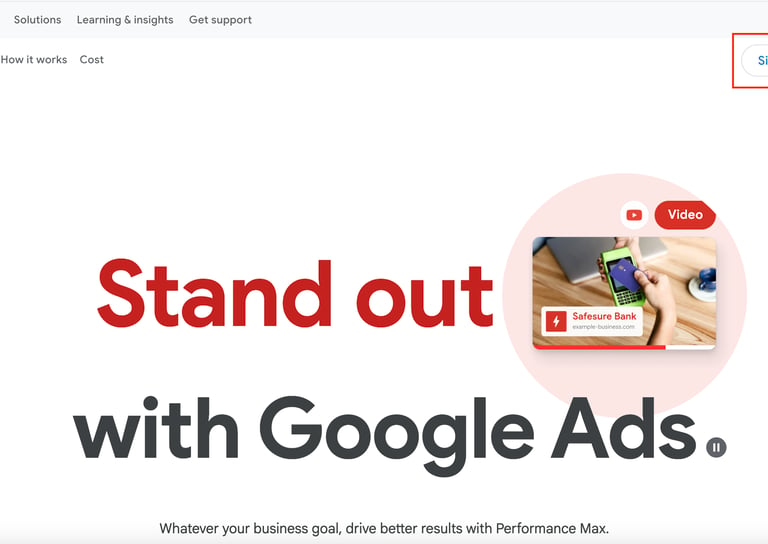
First, go to your browser and type in ads.google.com.
Once the page loads, you’ll see the Google Ads homepage.
If you already have an account, click on Sign in.
If not, you’ll need to create one first before continuing.
After signing in, you’ll be taken to your Google Ads dashboard.
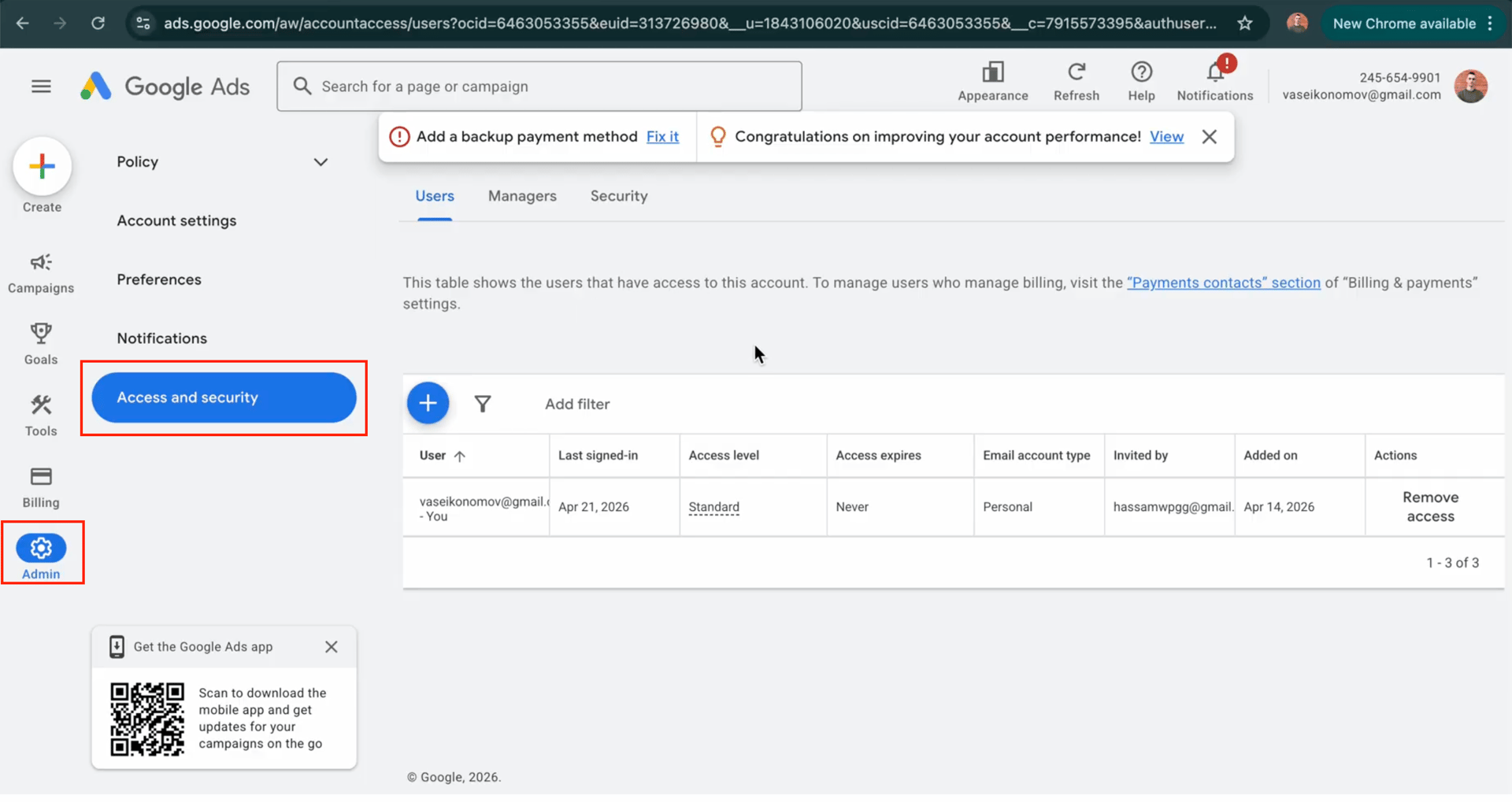
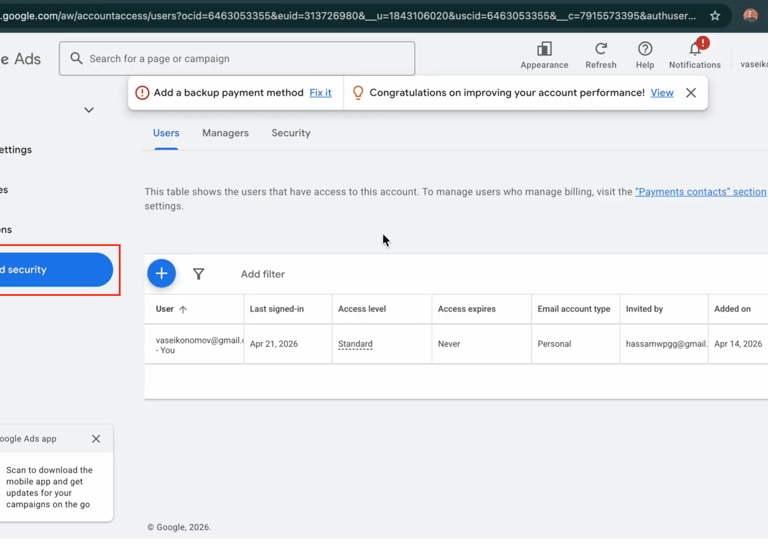
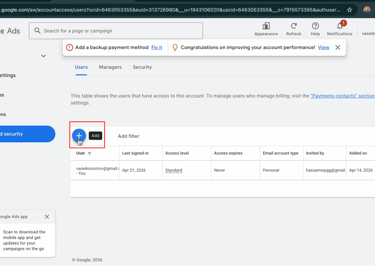
From here, look at the left-hand menu and click on Admin.Next, select Access and Security — this is where you manage who can access your account.
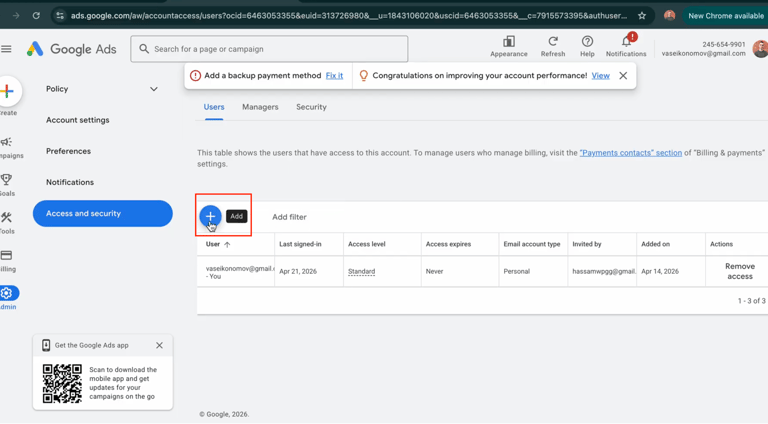
Once you're there, click the blue "Add" button.
This will allow you to invite someone to your account.
Now, enter the email address of the person you want to give access to.
You’ll also see an option to set an access expiration date, which is useful if someone only needs temporary access.After that, choose the appropriate permission level depending on how much control you want them to have.
Finally, click Send Invitation.
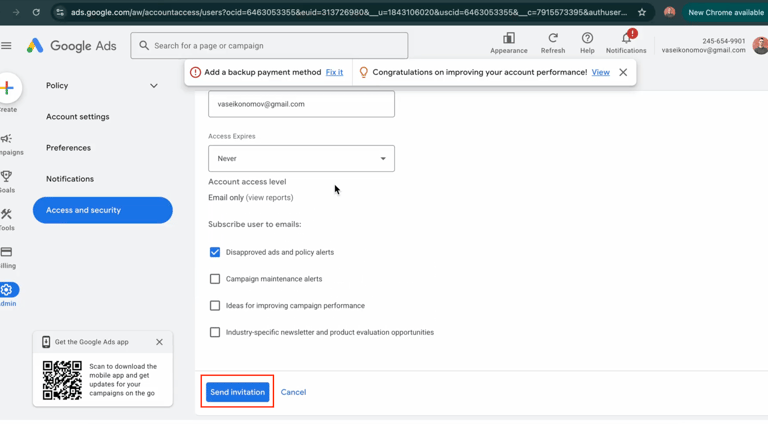
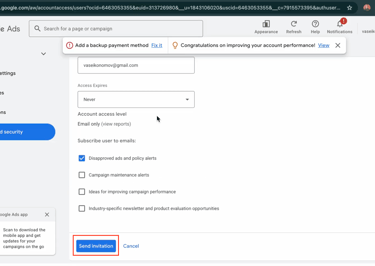
The person will receive an email, and once they accept it, they’ll have access to your account.
And that’s it — quick, simple, and secure.
Quick Links
Contacts
(888) 369-9036
vasko@droplydigital.com




CONTRACTORS! TIRED OF MISSING OUT ON JOBS?
Have you been receiving fewer phone calls lately? It’s probably because your competitors are stealing your work by showing up online where you’re not. If your website isn’t ranking or your business isn’t visible, you’re losing out on potential clients. We can help fix that!