How To Share Access To Google Business Profile
Want to give someone access to your Google Business Profile without sharing your password? In this video, I’ll show you step-by-step how to safely add a Manager or Owner to your Google Business account in less than 1 minute.
Giving someone access to your Google Business Profile is quick and easy. Follow these simple steps to invite a team member, manager, or partner to help manage your business information.
Open Your Google Business Profile
Go to Google and search for your business name.
If you're logged into the correct Google account, your Business Profile panel will appear.
Open the Business Profile Settings
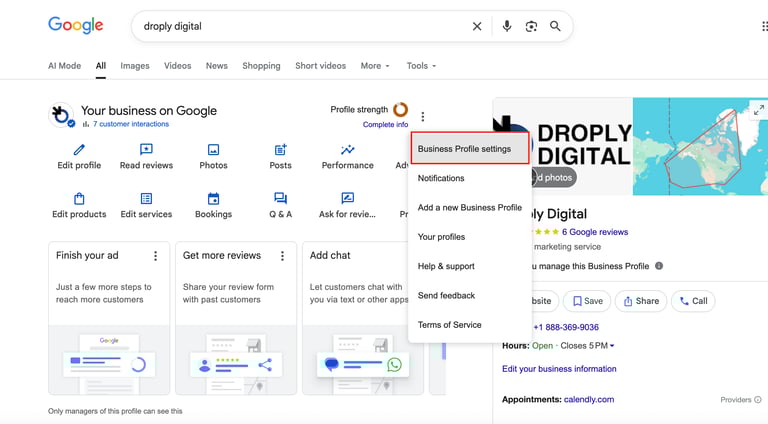
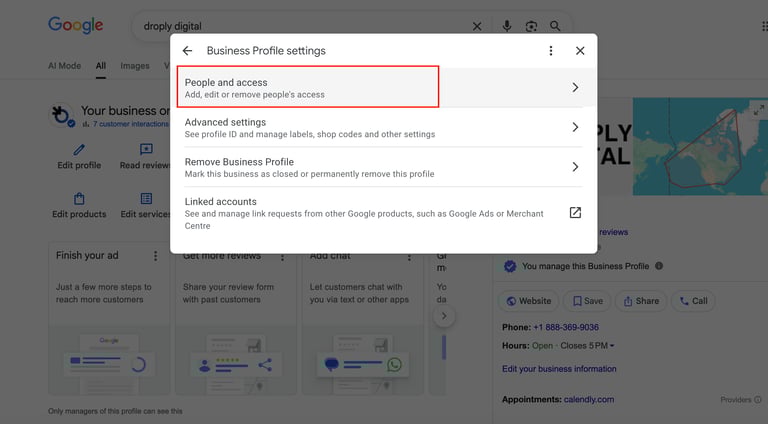
Click on the three dots on the right side, then click “Business Profile Settings.”
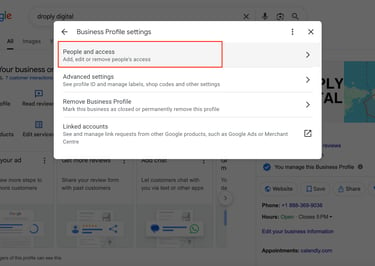
Select People and Access
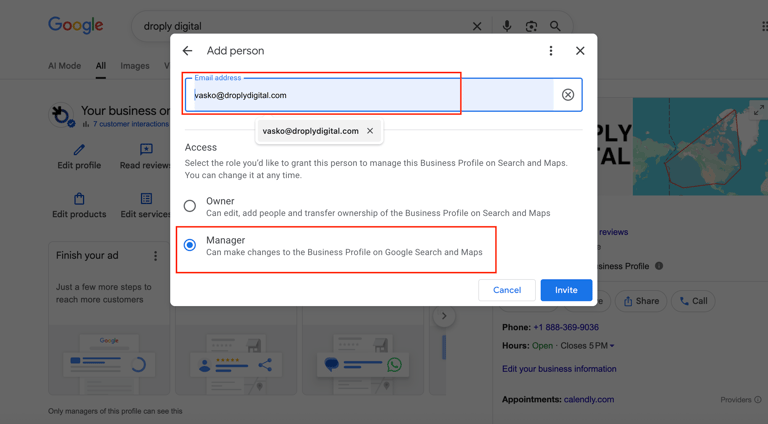
Go to People and Access → Add.
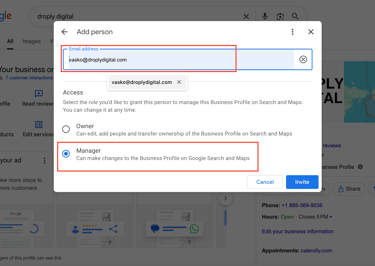
Here you can add the email address of the person you want to invite.
Choose the Access Level
Select the permission you want to give:Owner
Manager
Then click “Invite.”
Quick Links
Contacts
(888) 369-9036
vasko@droplydigital.com




CONTRACTORS! TIRED OF MISSING OUT ON JOBS?
Have you been receiving fewer phone calls lately? It’s probably because your competitors are stealing your work by showing up online where you’re not. If your website isn’t ranking or your business isn’t visible, you’re losing out on potential clients. We can help fix that!